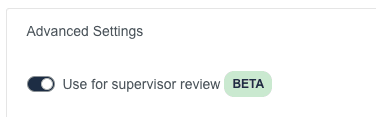
<aside> ℹ️ Supervisor Review is a BETA feature. You receive access to the this feature free of charge. However, we may change, remove, or improve this feature at any time.
</aside>
https://www.loom.com/share/6ee5dd218eba4d32b799feadd95f3b9a
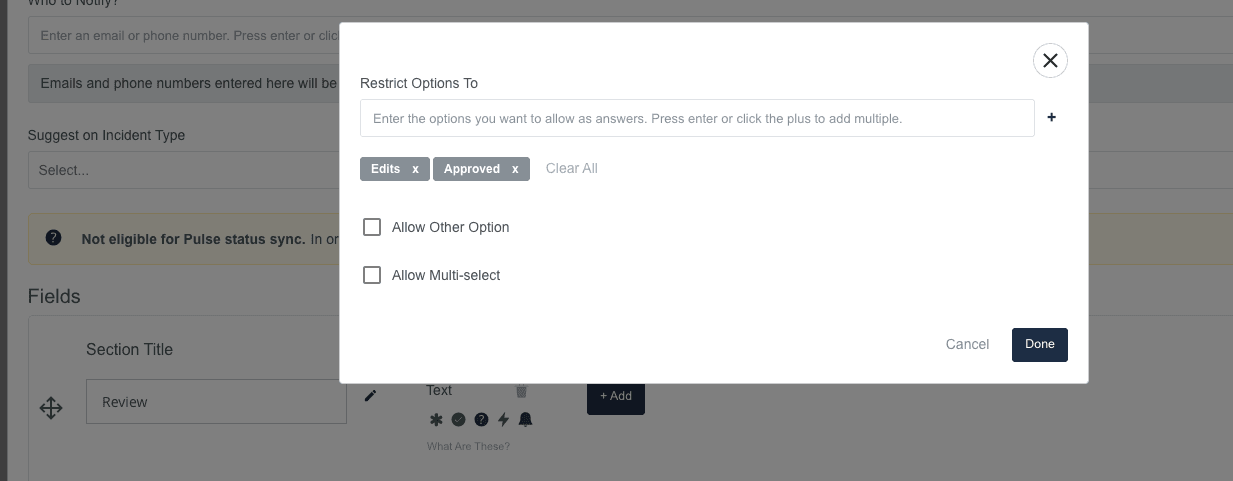
Forms can now be configured to enable supervisor review on submitted incidents. When your agency has a form configured as a supervisor review form, it will enable a new flow on the Submit and Activity Log pages to recommend/require a supervisor review. It will then track the state of that workflow as users request review and supervisors/admin review incident reports.
TEXT field with a set of options.You can set your form to target certain call types with the suggest on incident type dropdown on the form configuration, or by clicking the require on important incidents toggle.