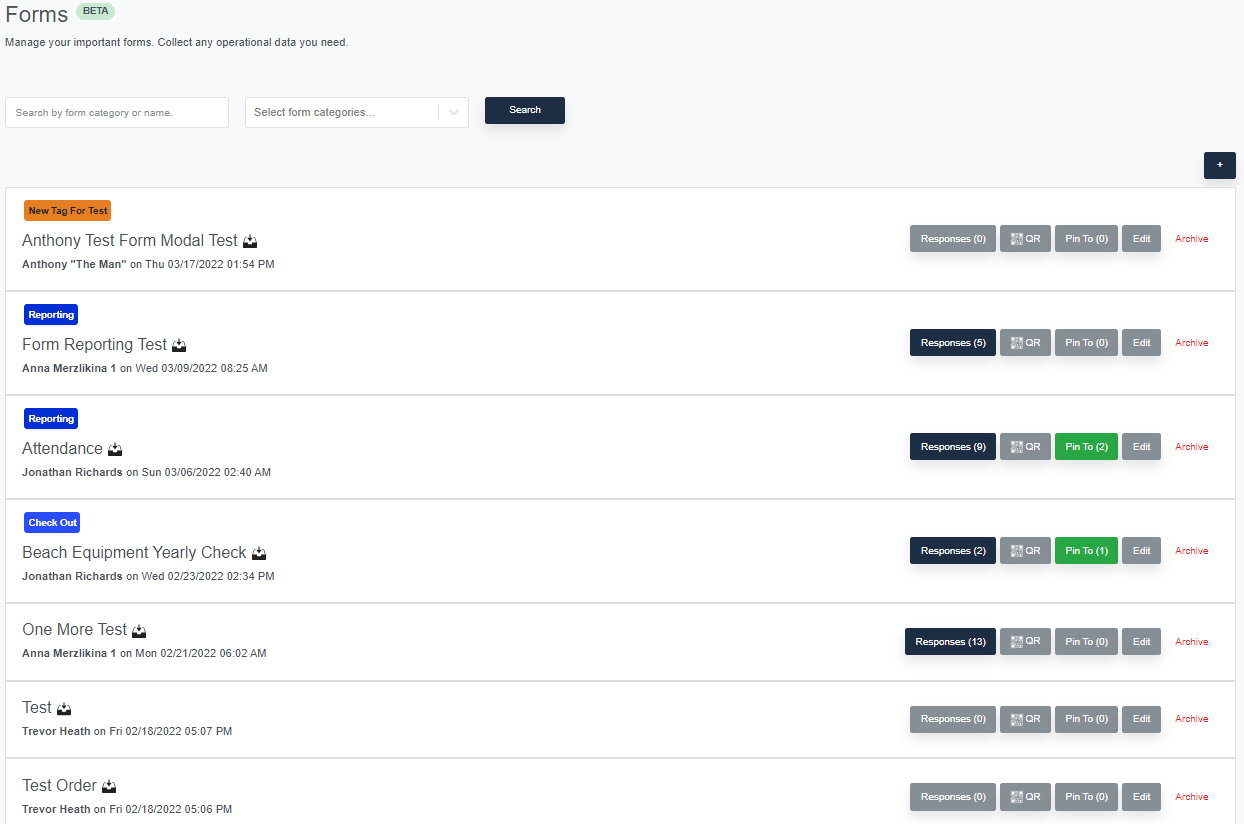
<aside> 💡 Forms are short surveys created by you to gather specific operational data, keep equipment status up to date, maintenance checklist, training status, and more. Forms are completely customizable and allow for complex workflows like instant email/text alerting and status dashboards.
</aside>
https://www.loom.com/share/af3587a9e3114edf8a192effe9de8b91
You can pin forms throughout platform making them as accessible to your team. You have the ability to create new forms under the Operations tab, but forms can be added to submitted incidents, found pinned to the Home tab, and even have their own auto-generated QR codes.